
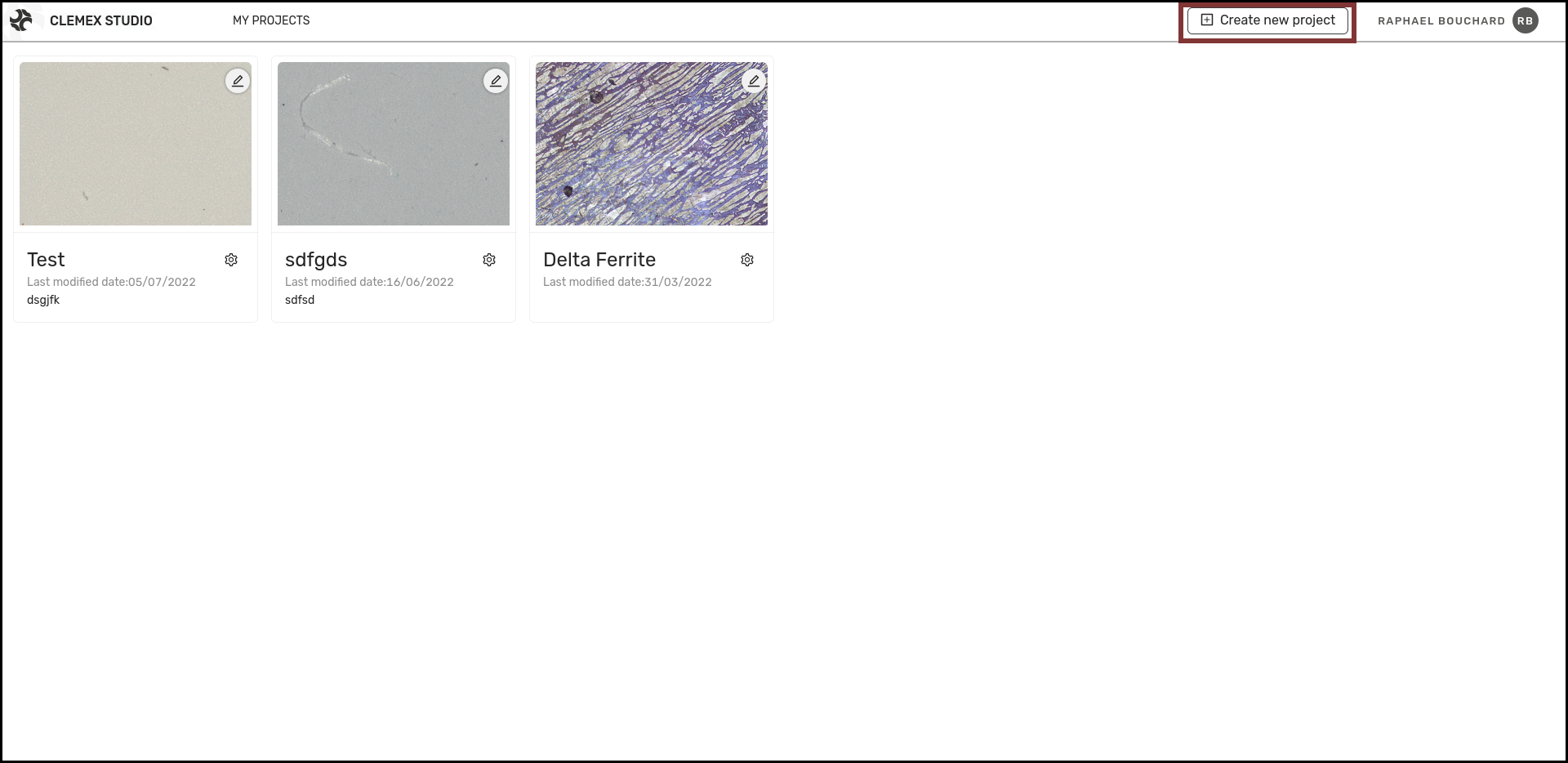
In order to create a project, click on the Create a new project button on the top right of the screen in the Project list page.
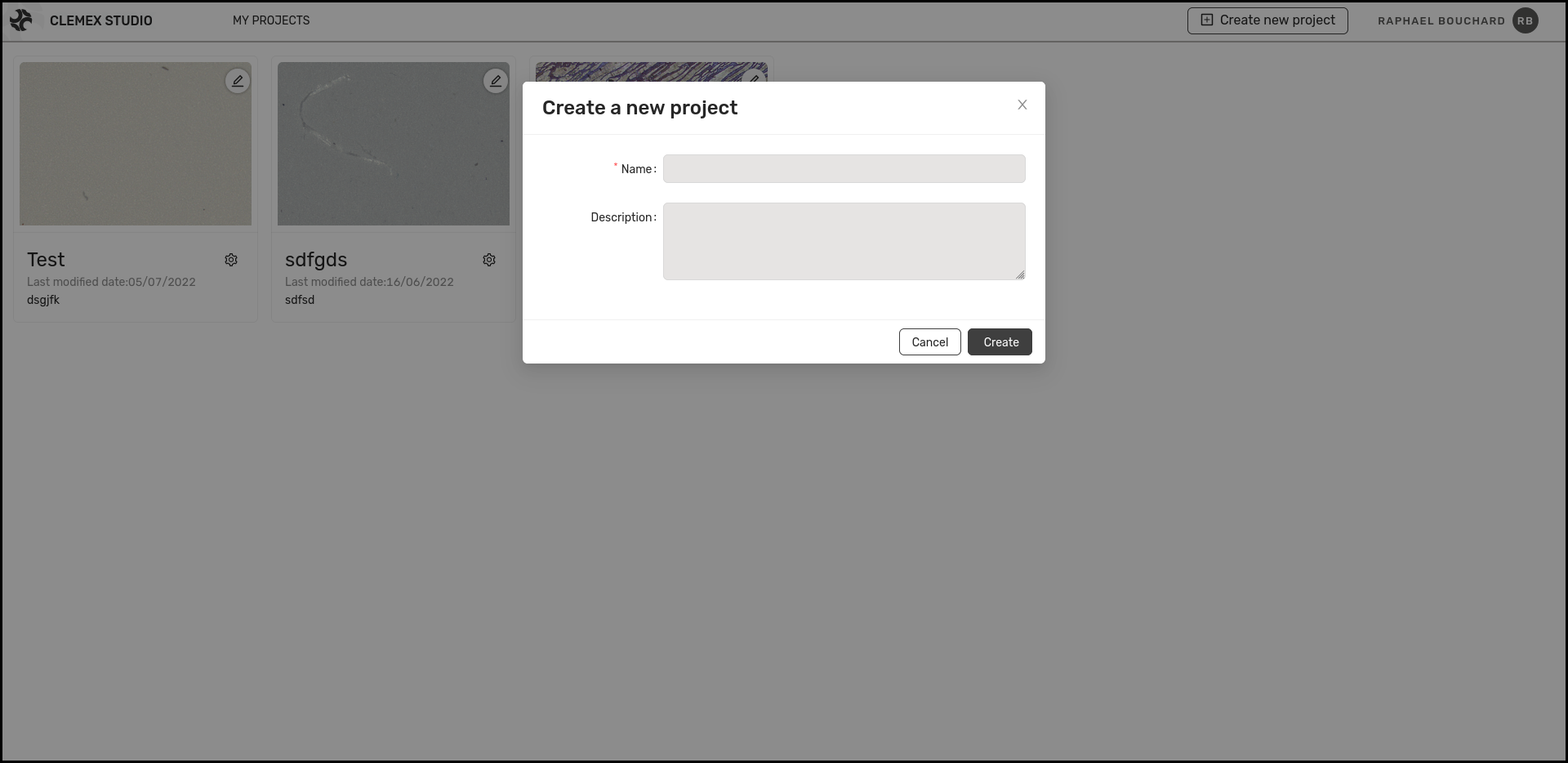
You will now be prompted to choose a name and optionally, a description for your project.
Once you are done, you will be redirected to the annotation editor page and ready to work on the project that was created moments ago