Introduction
In the industry, coating is frequently utilized to enhance or protect the surface of materials. A key indicator that affects the coating process, quality, and cost is coating thickness.
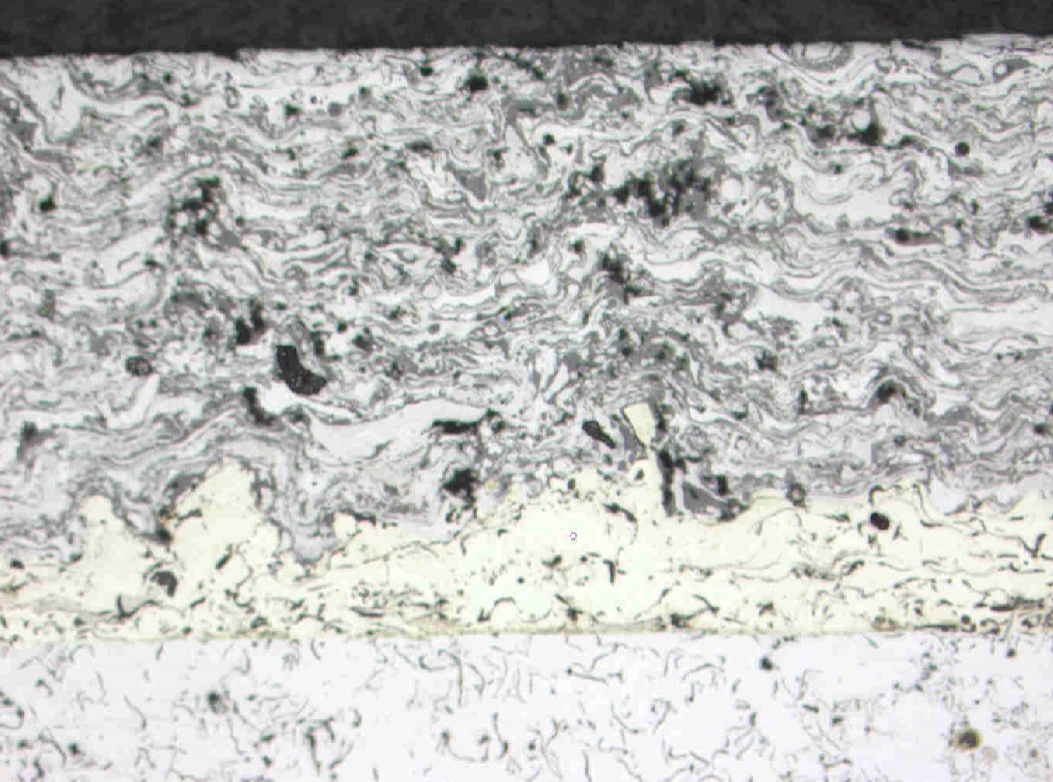
In this note, a colored coating sample is introduced to address the problem that the traditional thresholding method cannot deal with. Due to color similarity, the traditional thresholding method is unable to characterize all layers very well. Using the machining learning algorithm in Clemex Studio, different layers can be identified gradually through additional annotations and trainings.
Phase segmentation in Clemex Studio
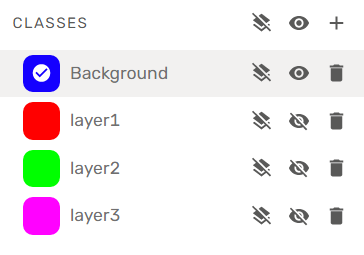
1. Create seven classes for each feature (background, layer_1, layer_2 and layer_3 ) by clicking "plus sign" button, respectively.
2. Apply one annotation for each class.
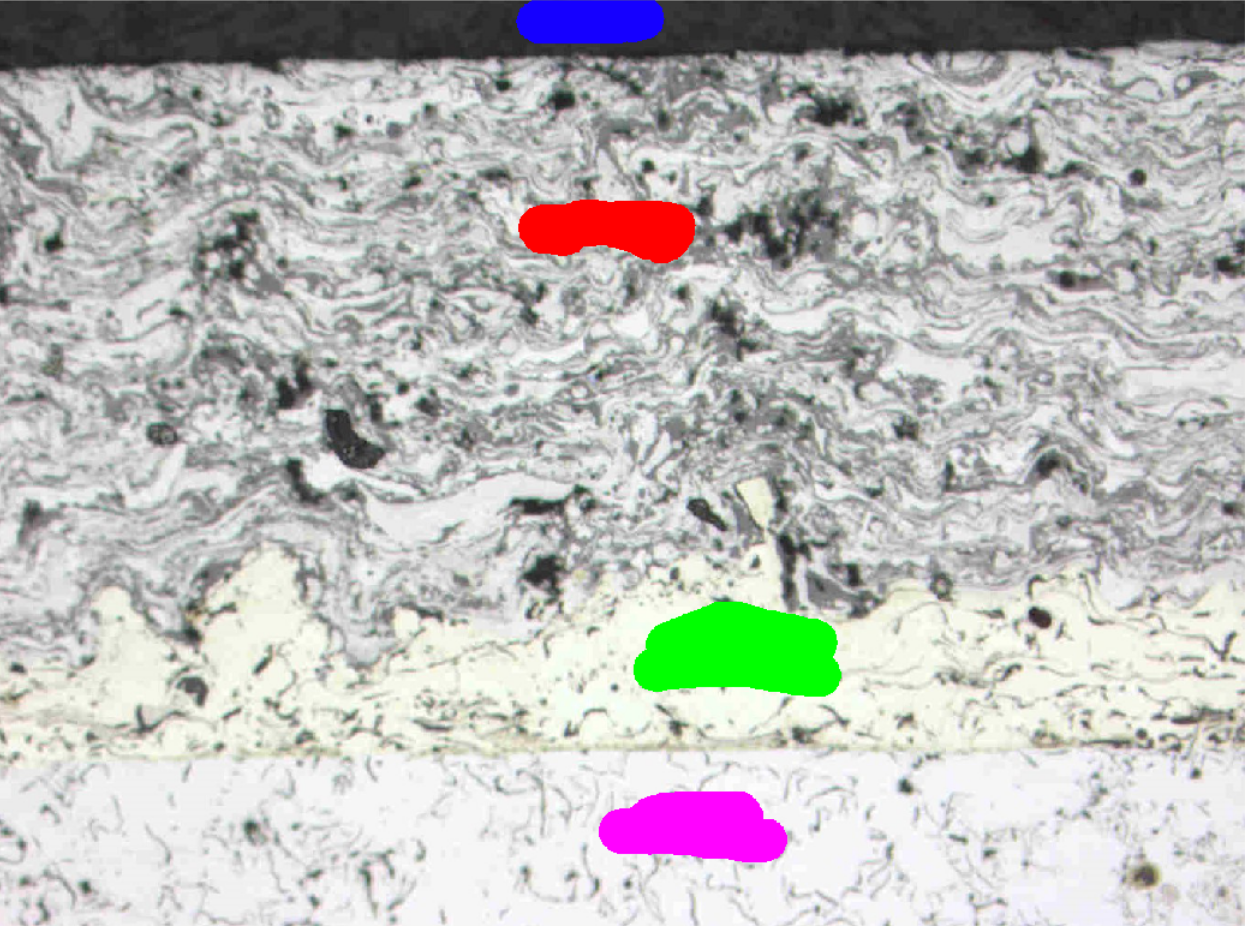
3. Click TRAIN button to train the Algorithm.

4. Fine tune the results by applying additional annotations to correct mislabled features.
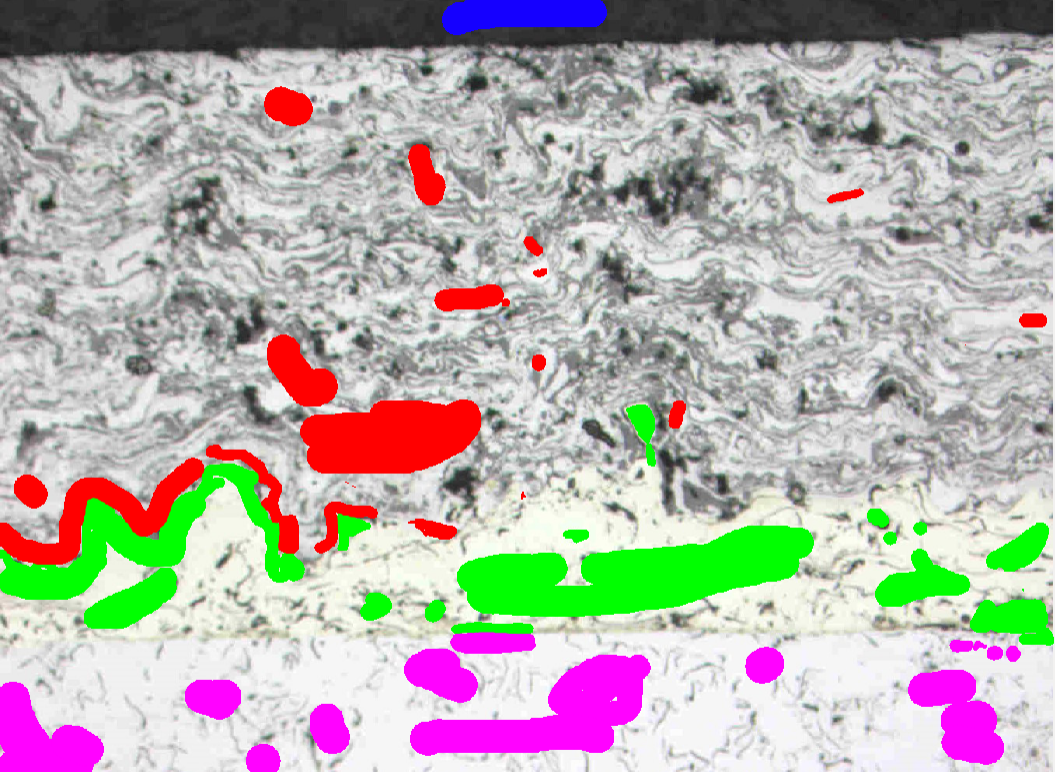
5. Validate results and download plugin by clicking DOWNLOAD button to be used in Vision for further analysis.

Quantitative measurement in Clemex Vision
- Open Clemex Vision
- Open GeneralLayerThickness.routine from C:\IAFiles\Application Packages\LayerThickness\ClemexStudioRoutineTemplate\General LayerThickness
- Load images and insert correct plugin
- Run the routine to obtain results
Results
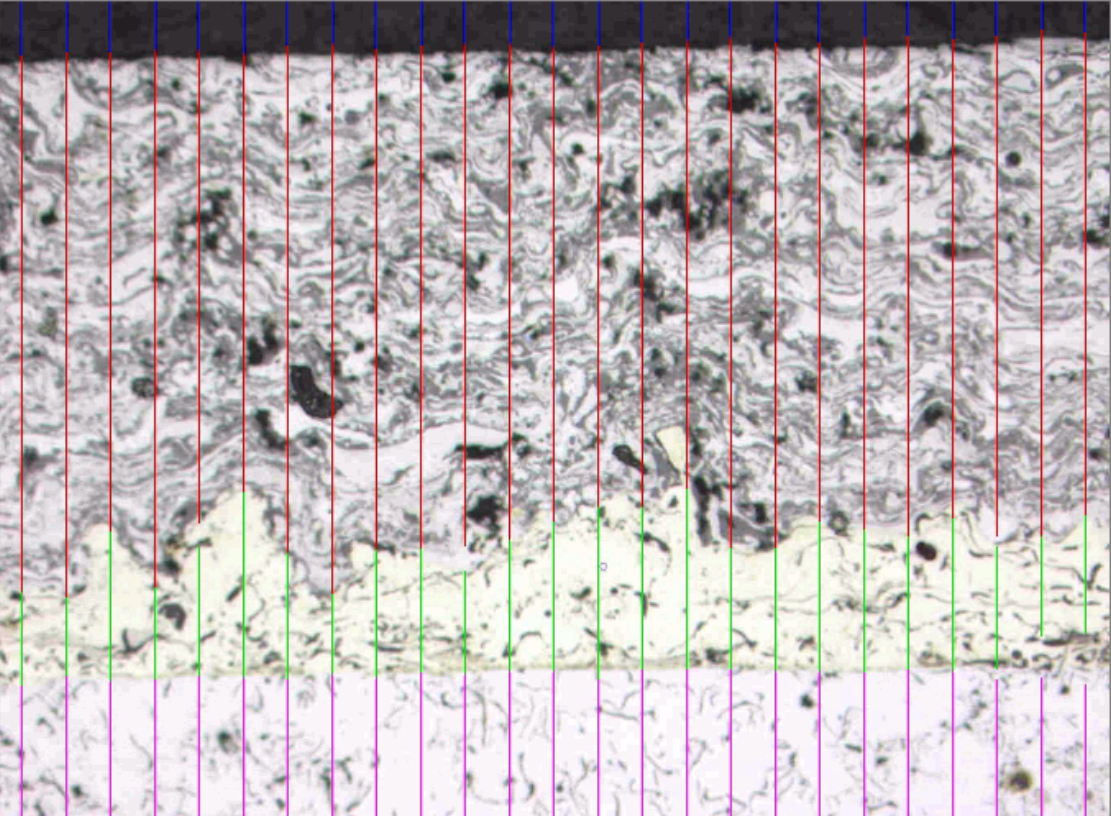
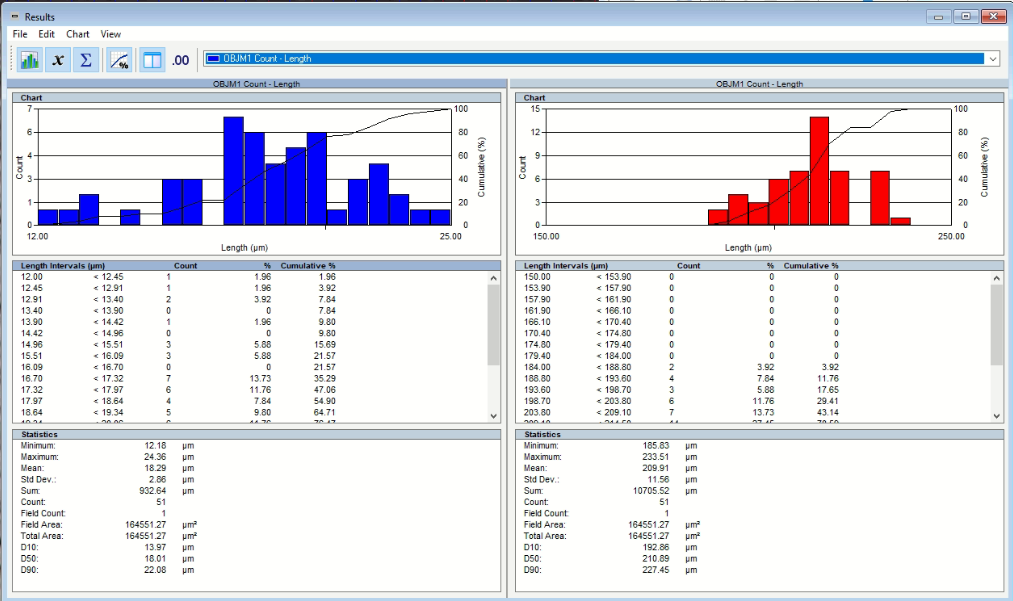
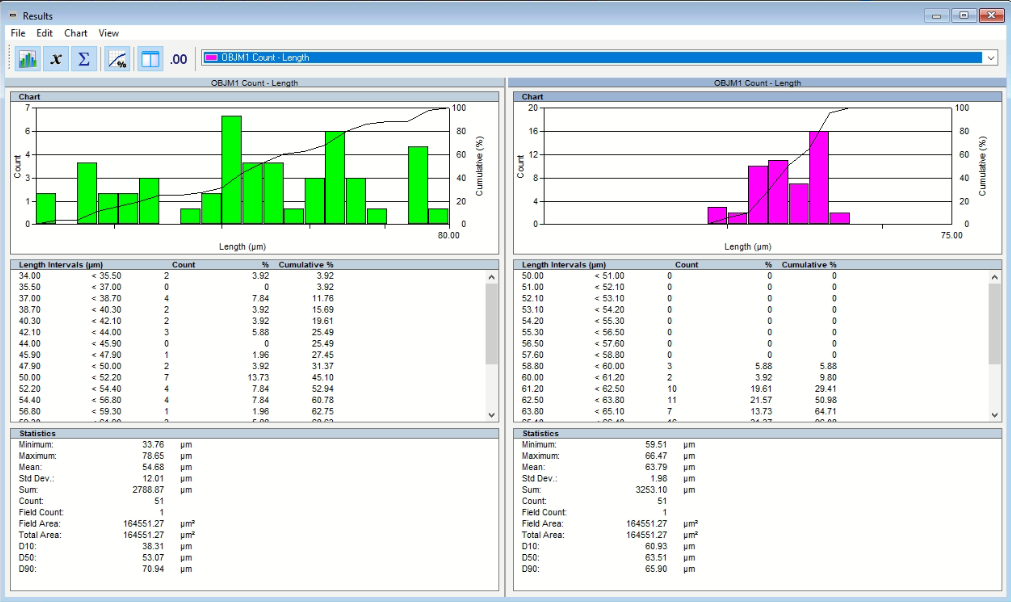
All features are correctly segmented using Clemex Studio. With the help of plugin, the results can be adequately obtained from Clemex Vision. The final measurement using GeneralLayerThickness.routine is shown below. This routine template is capable of characterizing up to five phases in the sample.