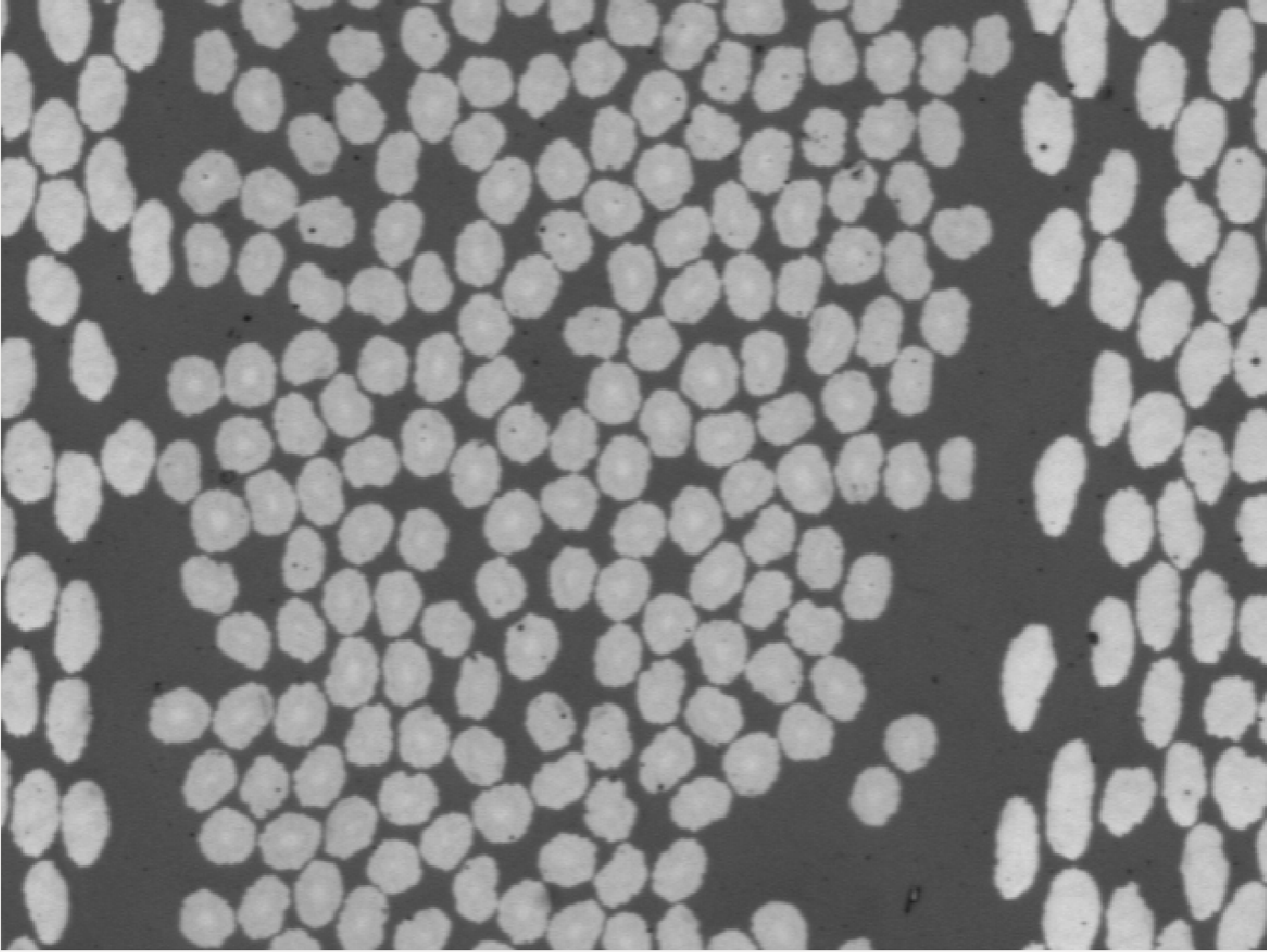
Introduction
Particle size analysis is mostly used for quality control, ensuring that the final product meets certain requirements and is safe to use. Measuring particle size distribution helps many manufacturers ensure that their products are free of contamination. Furthermore, measurements can be used by manufacturers to determine compliance with industry standards or regulations, as well as uncover opportunities for improving production processes.
This note introduces a simple method to distinguish particles correctly from matrix using Clemex Studio. Then, by a plugin, the diameter and counts of particles can be accurately obtained from Clemex Vision.
Grain identification in Clemex Studio
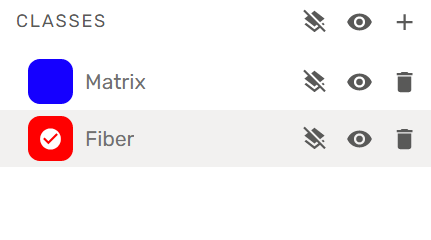
1. Create two classes (Matrix and Fiber) by clicking "plus sign" button, respectively
2. Apply one annotation for each class
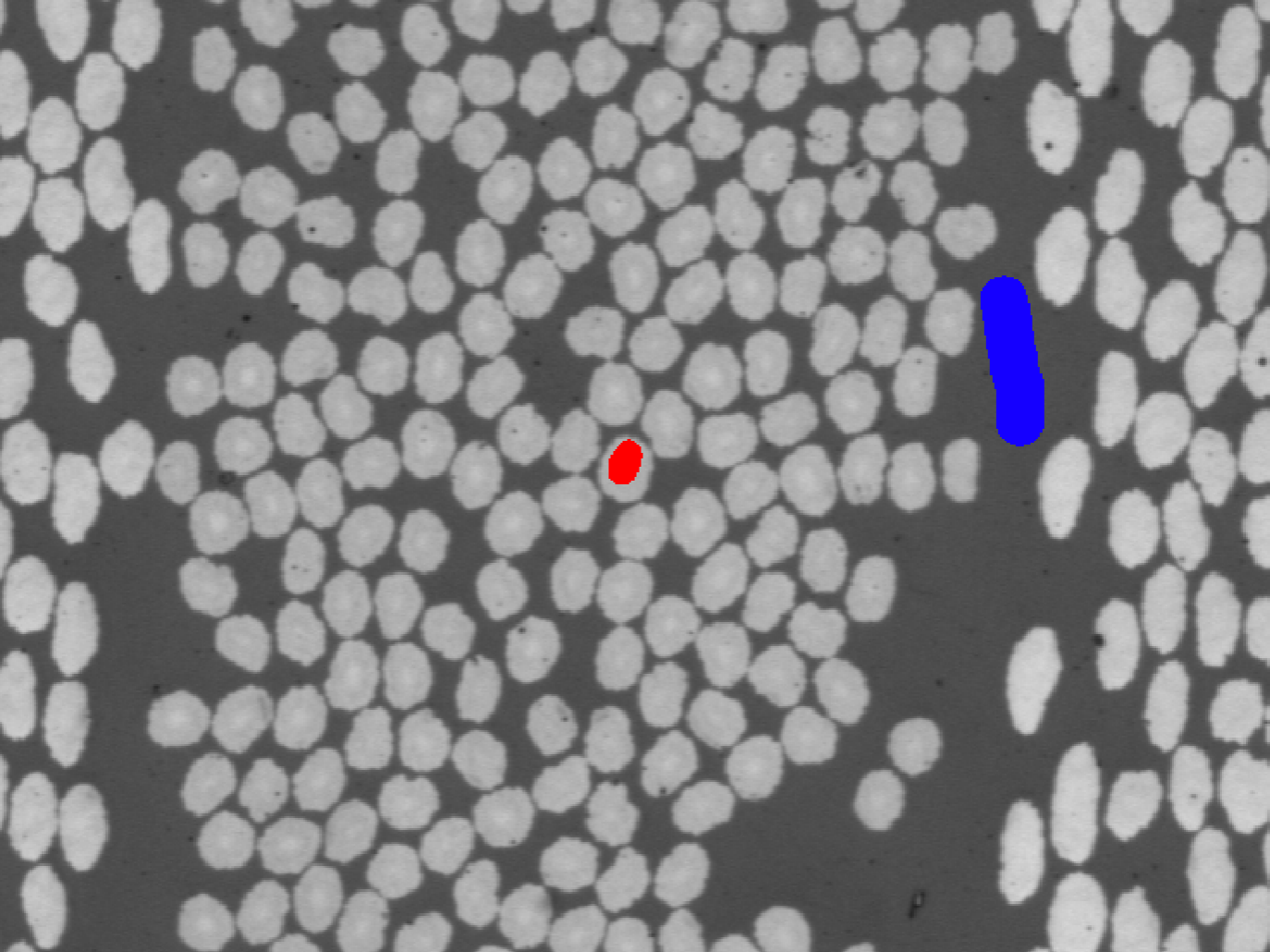
3. Click TRAIN button to train the Algorithm and preliminary annotation results are then shown

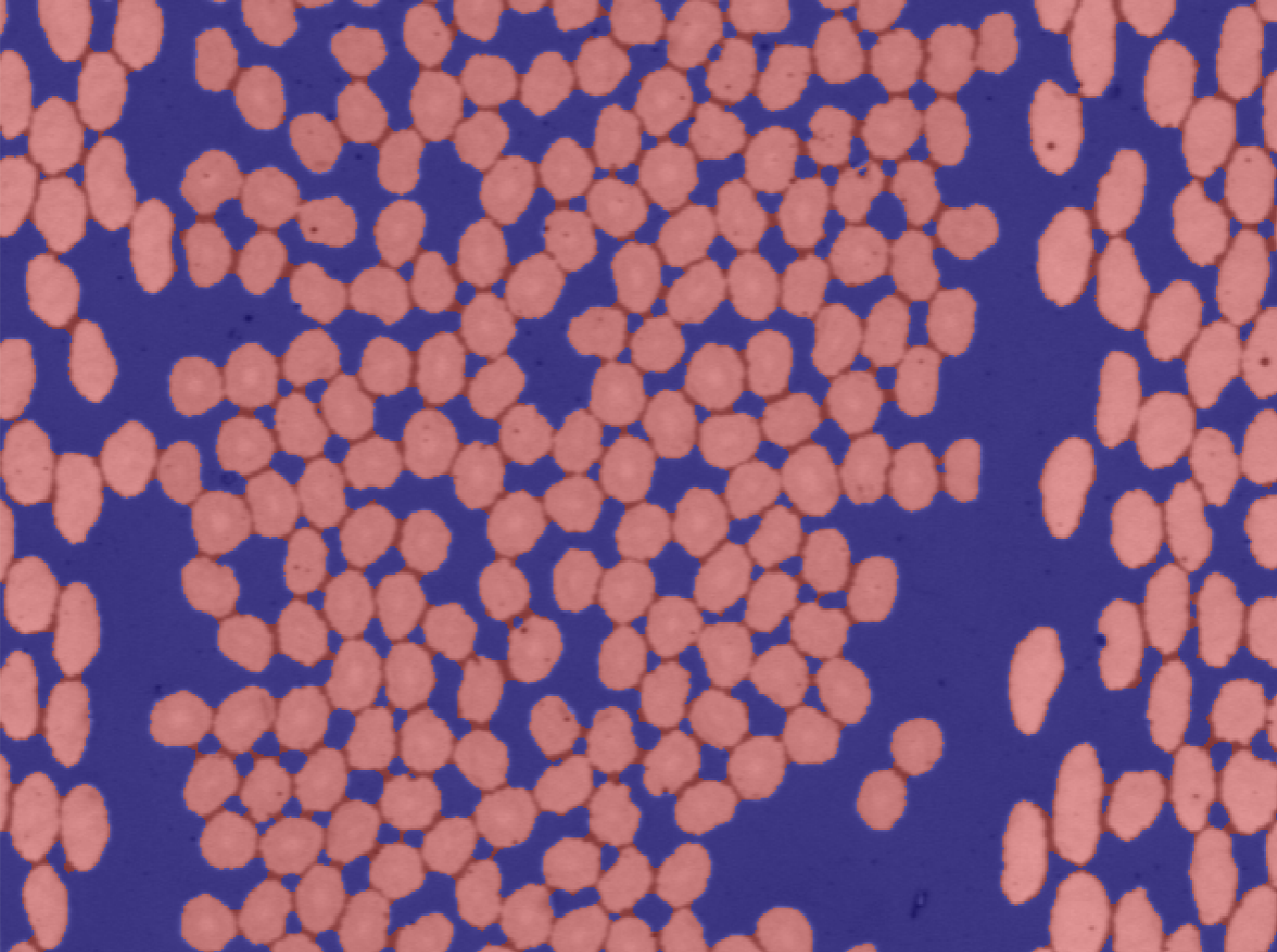
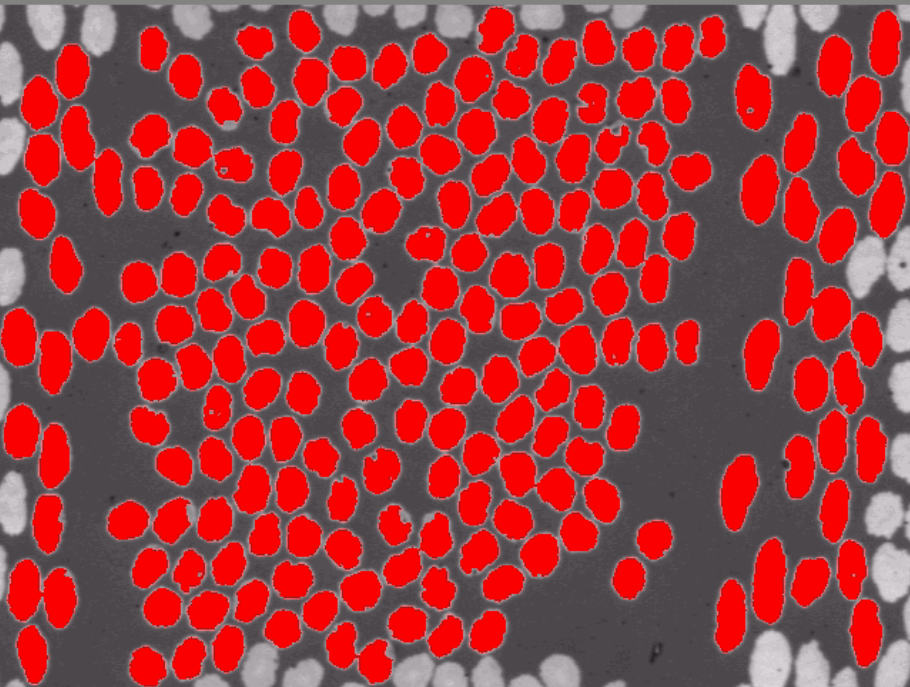
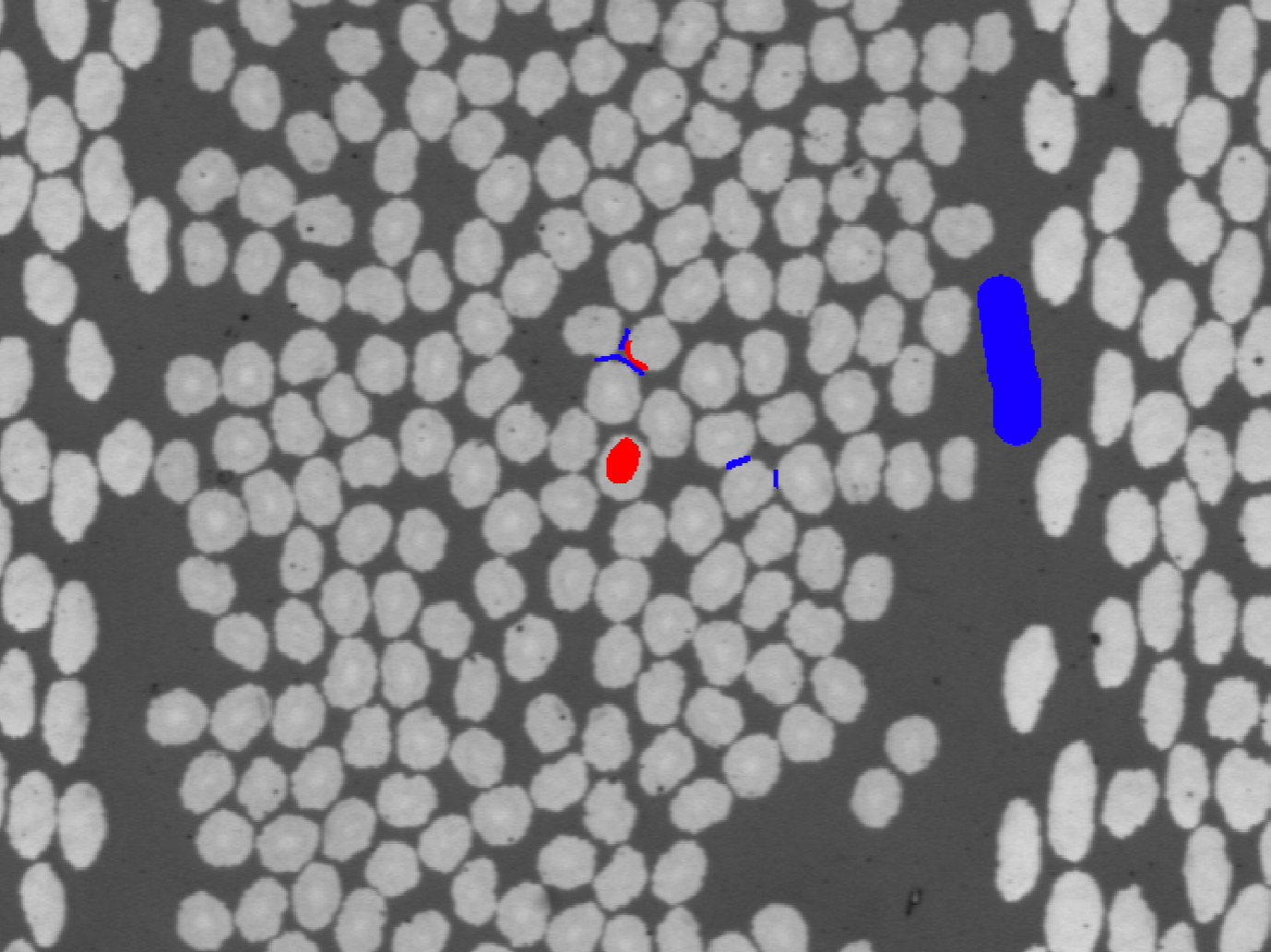
4. Fine tune the results by applying additional annotations at phase interaction region (left); and the final annotation can be obtained (right)
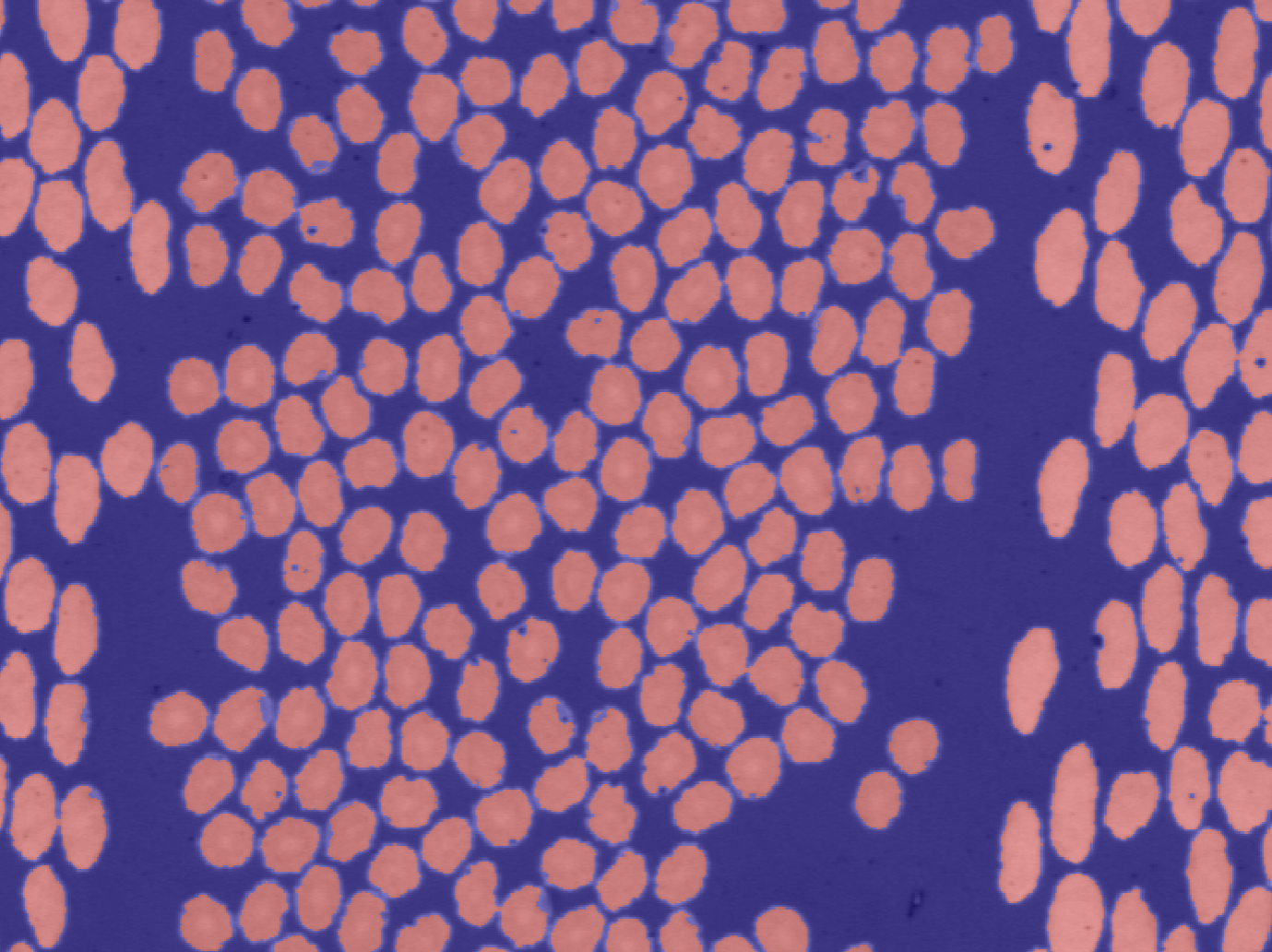
5. Validate results and download plugin by clicking DOWNLOAD button to be used in Vision for further analysis

Tutorial Video: Annotation in Clemex Studio
(coming soon)
Quantitative measurement in Clemex Vision
- Copy/paste plugin to C:\IAFiles\Plugins
- Open Clemex Vision
- Open ParticleSizing.routine from C:\IAFiles\Application Packages\ParticleSizing\ClemexStudioRoutineTemplate
- Load images and insert correct plugin
- Run the routine to obtain results
Tutorial Video: Measurement in Clemex Vision
(coming soon)
Results
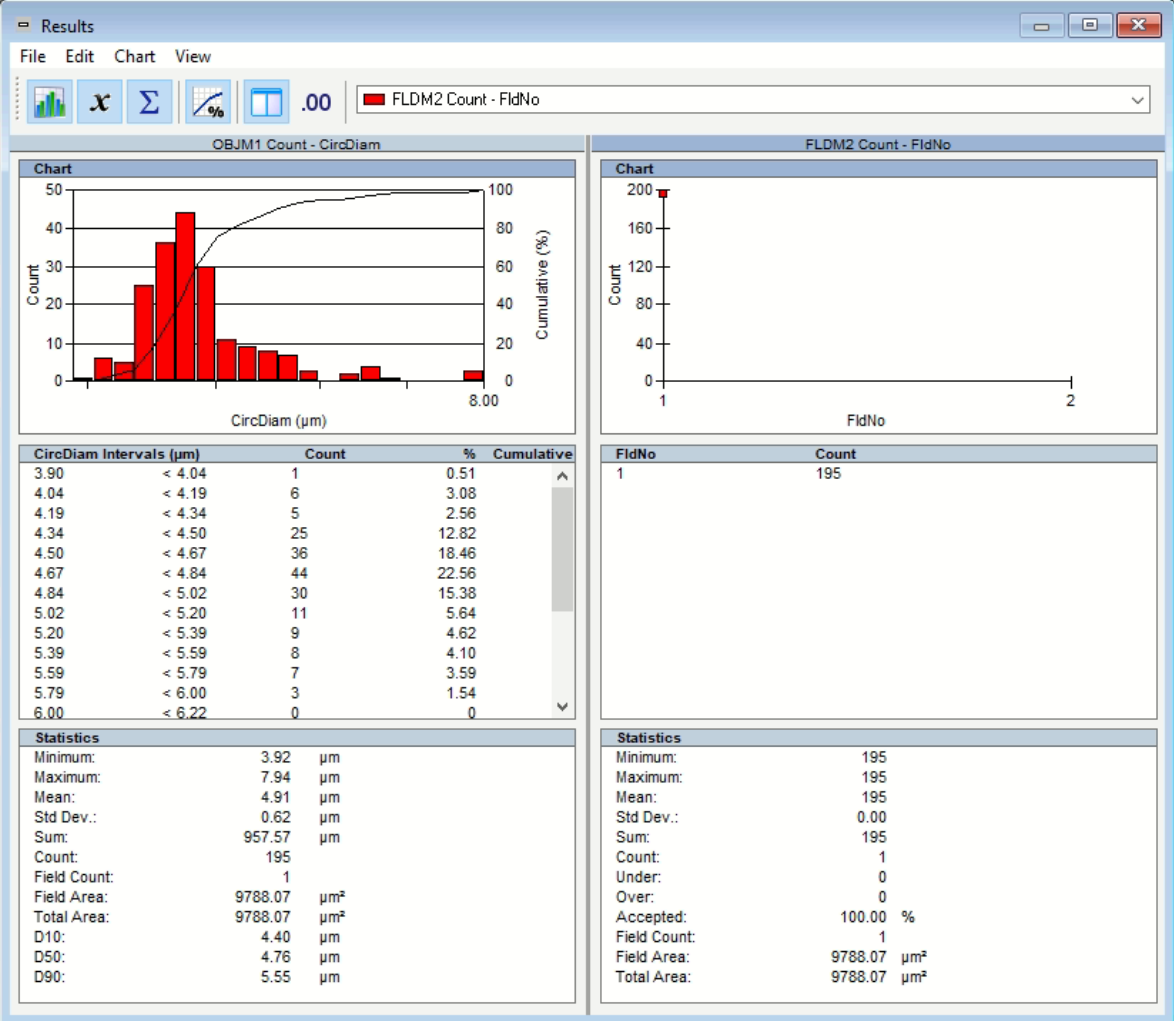
All features are correctly segmented using Clemex Studio. With the help of plugin, the results can be adequately obtained from Clemex Vision. The final measurement using ParticleSizing routine template is shown below. The circular diameter distribution and particle count are determined.