Introduction
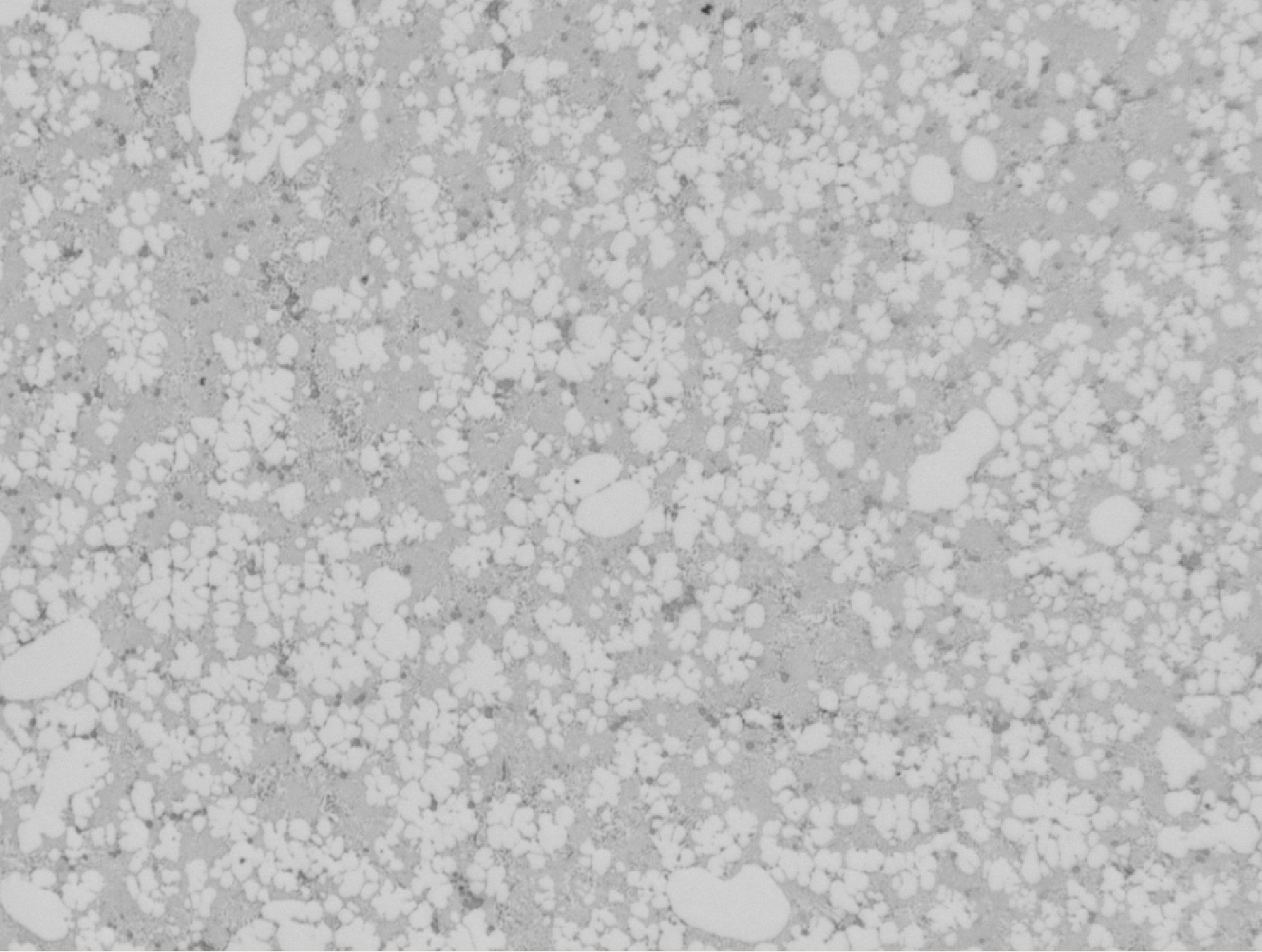
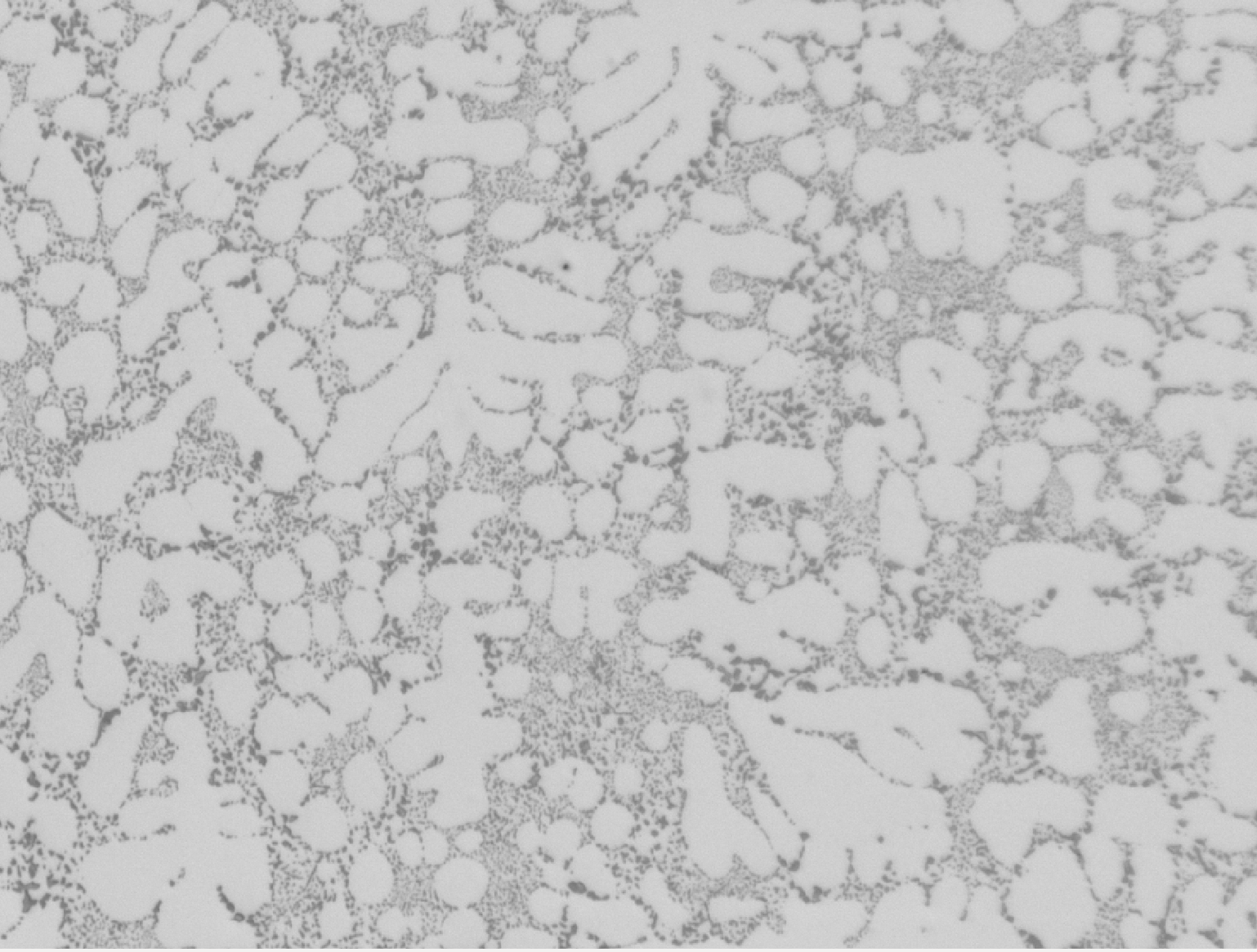
As a substantial cast alloy, Aural-2 alloy has been widely used in the industry. The use of phase analysis is a simple method for better understanding the microstructure and influence of alloy constituents.
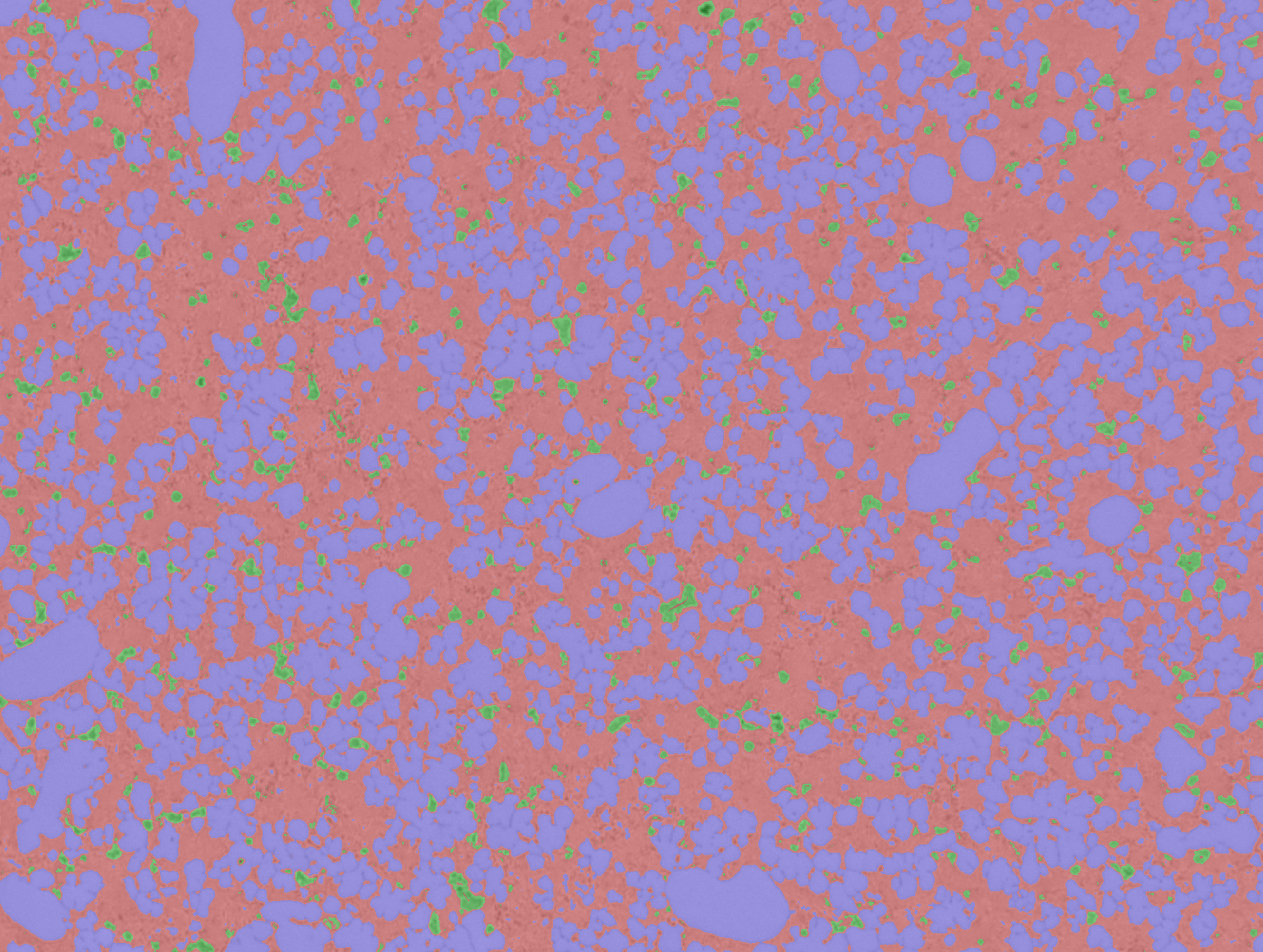
In this application note, an easy approach to precisely annotate the phases of Aural-2 alloy is introduced by using Clemex Studio. The area percent of each phase is then obtained from Clemex Vision with the help of a plugin.
Phase segmentation in Clemex Studio
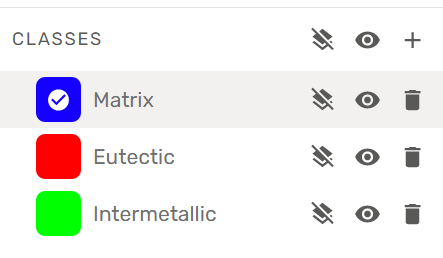
1. Create three classes (matrix, eutectic and intermetallic) by clicking "plus sign" button, respectively.
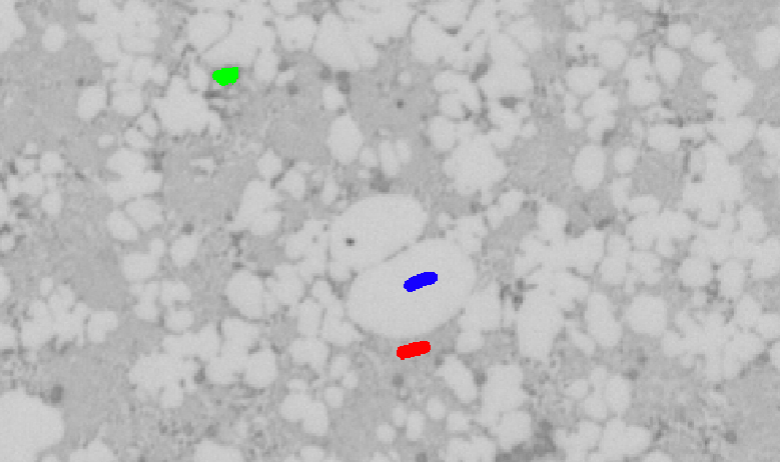
2. Apply one annotation for each class
3. Click TRAIN button to train the Algorithm

4. Fine tune the results by applying additional annotations at phase interaction region
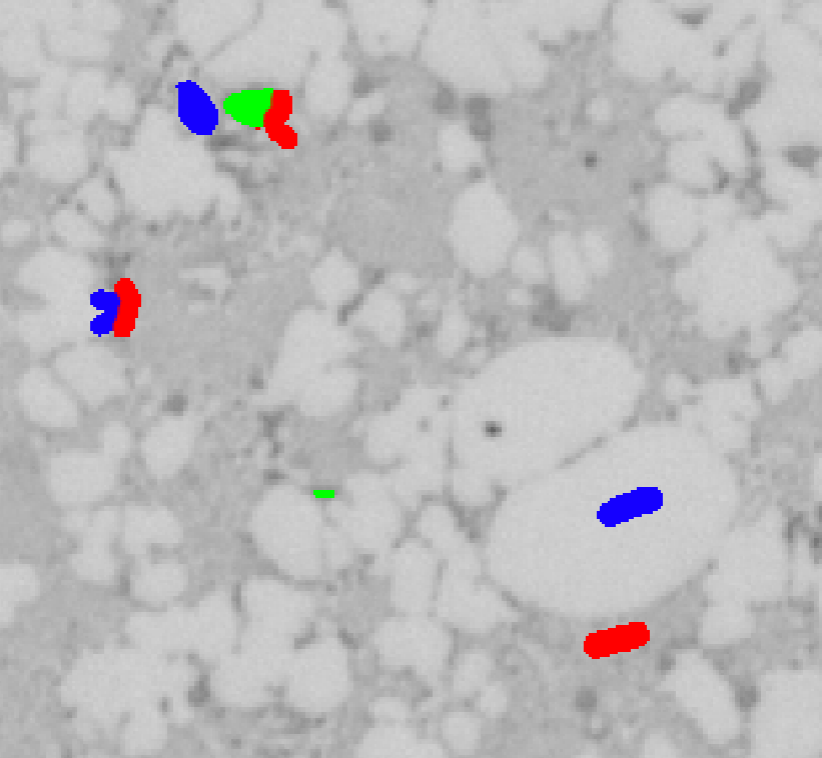
5. Validate results and download plugin by clicking DOWNLOAD button to be used in Vision for further analysis

Tutorial Video: Annotation in Clemex Studio
Quantitative measurement in Clemex Vision
- Copy/paste plugin to C:\IAFiles\Plugins
- Open Clemex Vision
- Open Phase_Analysis.routine from C:\IAFiles\Application Packages\PhaseAnalysis\ClemexStudioRoutineTemplate
- Load images and insert correct plugin
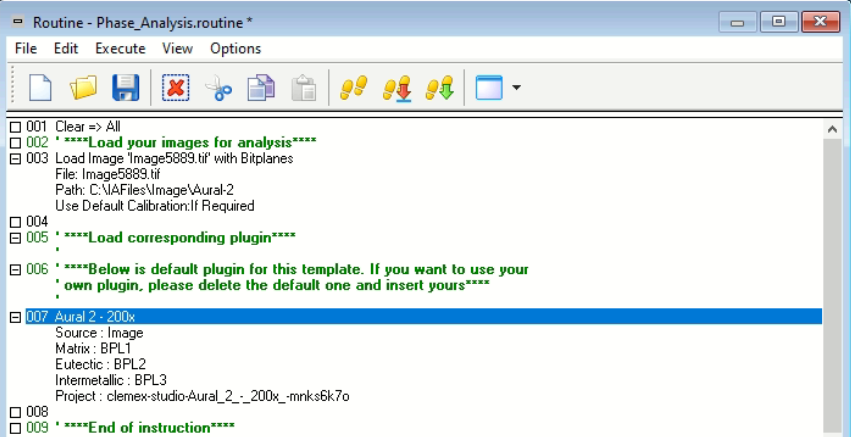
5. Run the routine to obtain results
Tutorial Video: Measurement in Clemex Vision
Results
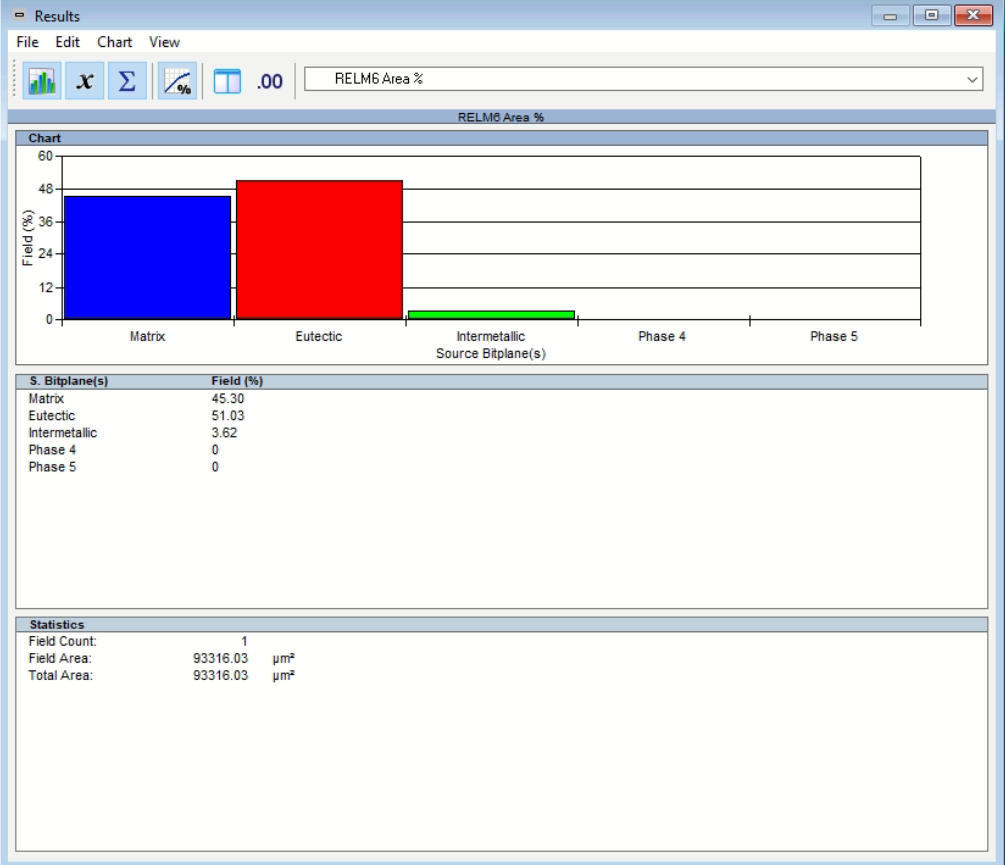
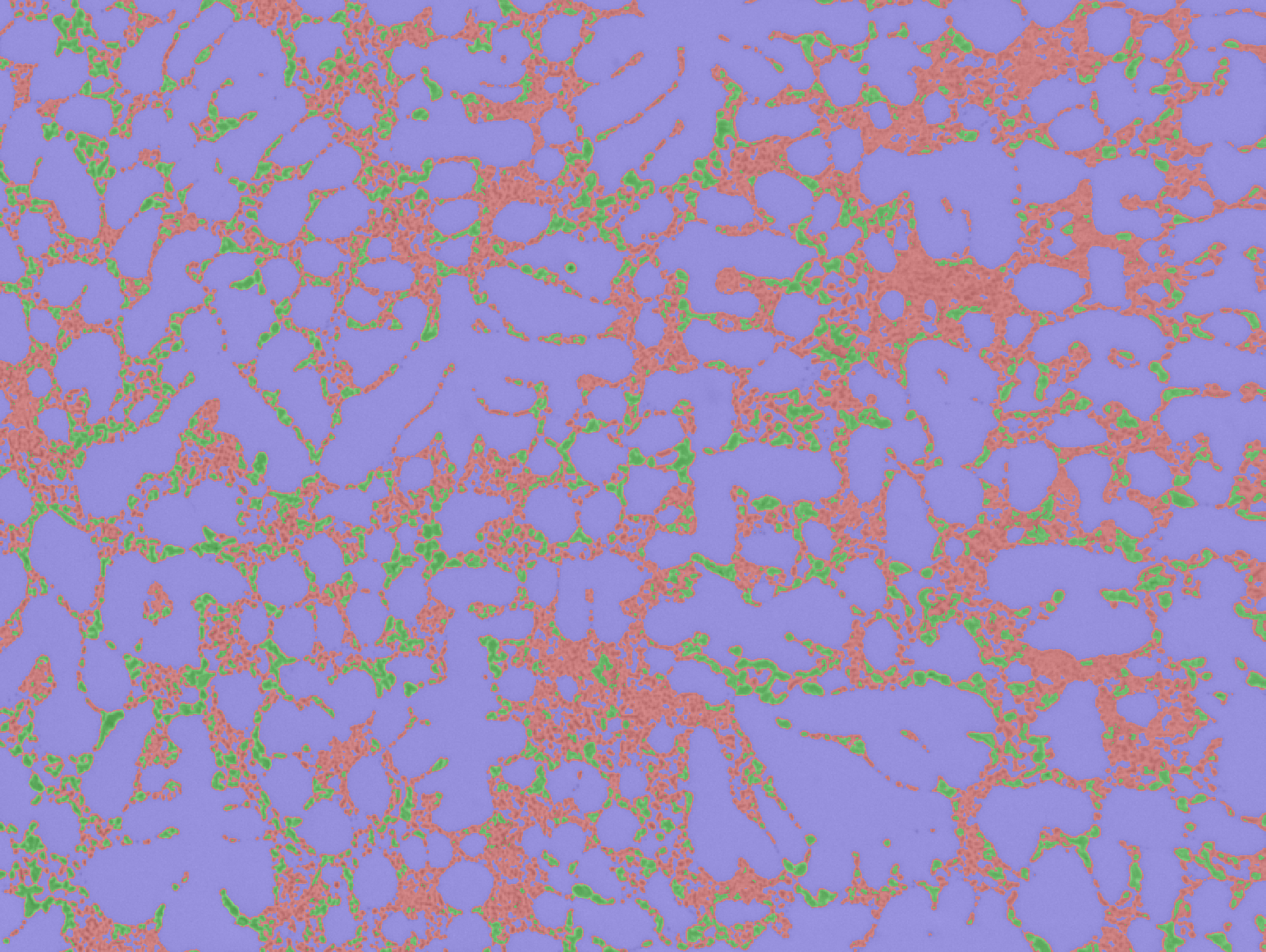
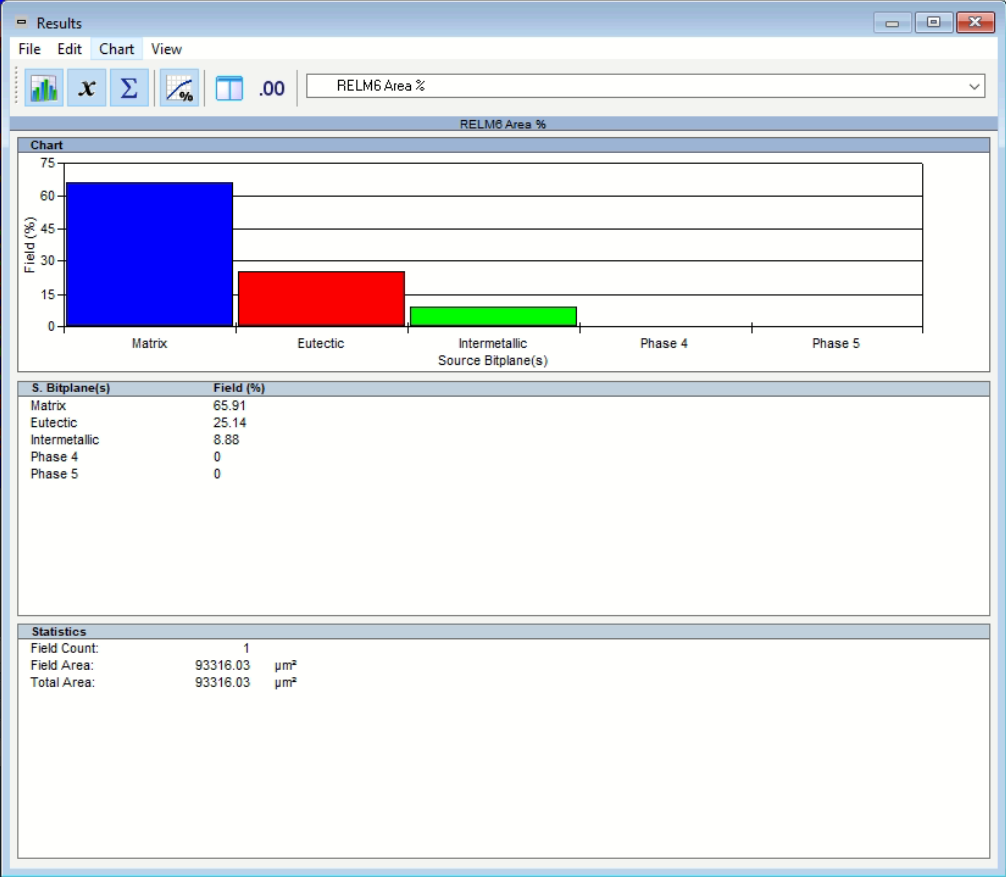
The image features can be efficiently annotated by Clemex Studio. With the help of plugin, the results can be effectively obtained from Clemex Vision. The results below are the final measurement using Phase Analysis routine template. The area percent of Matrix, Eutectic and Intermetallic are determined. This routine template can characterize up to 5 phases in the sample.